How to Add Professional Voiceover to a Video Without Recording It Yourself.
The easiest way to add professional voiceover to a video without recording it yourself is to hire a voice actor, send them your script, and drop the finished audio into your edit. A good talent delivers clean audio, so you skip the mic, the booth, and the retakes.
Why you should not record it yourself on a high-profile video
You CAN use your own voice for a voiceover. For an internal video or a rough draft, it is fine. For a brand video or an ad that has to look professional, it is a bad idea. The voice is the first thing a viewer hears, and an untrained read sounds untrained even when the person has a nice speaking voice.
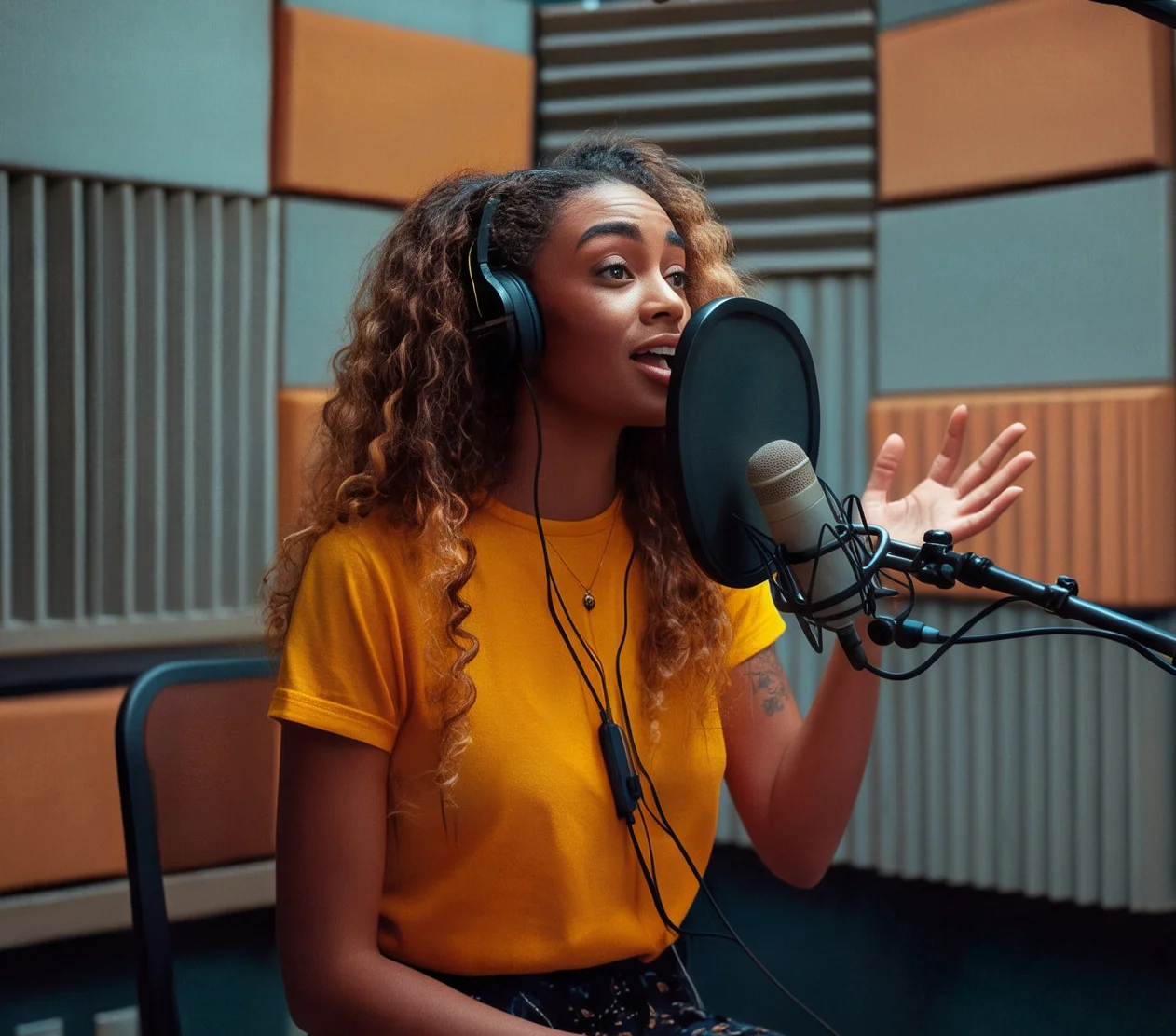
Voiceover is one of the cheapest parts of a production
Voiceover costs less than almost anything else in a video, and it rarely gets the weight it deserves. I once shot a video for a legal firm that cost $8,000 to produce. The firm insisted on using an employee who claimed to have a good voice. The video did not perform, and it hurt their brand well after it went live. Saving a few hundred dollars on the back end of an $8,000 project made no sense. That budget pattern is common, and why voiceover is the last thing people budget for is covered here.
Have a human edit the script
You can write a script with AI now, and it makes a fast first draft. Never copy and paste it and call it done. That's important even when your AI is loaded with your brand voice. A person needs to read the script out loud and fix every line that sounds off before it goes to talent.
Write the pauses and sound effects into the script
Pauses and sound effects are super important, and they belong in the script. Mark where a pause lands and where a sound effect hits. A beat of silence after a key line gives the viewer time to take it in. When the script includes those marks, the talent and the editor work from the same map. Leave room for those beats, and how many words fit in a 30 or 60-second script covers the math.

Put a good production team behind it
Voiceover works best when a good production team handles the project. The editor times the audio to the picture, and the sound design and mix tie it together. A great read dropped into a sloppy edit still sounds off. After about 30 years in production, I have seen that the voice and the edit need to be treated as one job.
How Voice Dragons makes it easy
Voice Dragons is a human-only voiceover marketplace. You filter talent by gender, age, style, vocal attributes, and accents, and every talent is vetted for uniqueness, intonation, production quality, and post-production.
Once you pick a voice, you message the talent directly inside the job. You can upload sample audio or reference files to show the tone you want. If you want to hear your own script first, you can request an audition. For bigger projects, you can request a live directed session over Zoom or Source Connect.
Most jobs come back within 24 hours, and many come back the same day. One revision is included.
What to send the talent
A script with pauses and sound effects marked
A reference audio file of the tone you want
Where the video will be posted
The target length of the video
Key Takeaways
- The easiest way to add professional voiceover is to hire a voice actor, send a script, and drop the finished audio into your edit.
- Recording your own voice is fine for internal or draft videos, and a bad idea for brand videos and ads.
- Voiceover is one of the least expensive parts of a production, so saving a few hundred dollars on it can cost you far more in brand damage.
- AI can write a first draft of the script, but a human needs to read it out loud and edit it before it goes to talent.
- Write pauses and sound effects directly into the script so the talent and the editor work from the same map.
- On Voice Dragons you can message talent directly, upload reference audio, request an audition, or book a live directed session.